
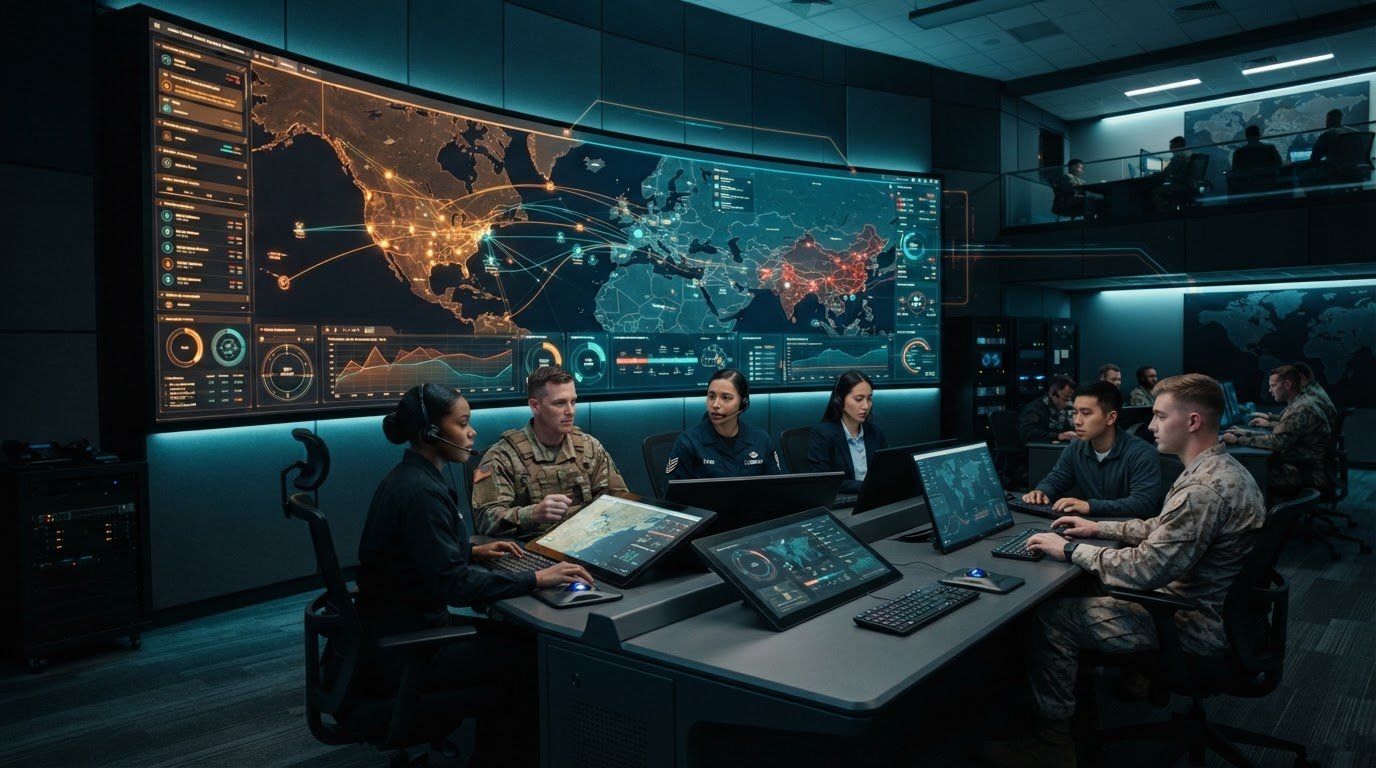
More screens won’t resolve a decision problem. A joint operations center (JOC) design should start with the decisions teams need to make, the information they need to make them, and the workflows that turn awareness into coordinated action. When teams work across multiple systems, visibility alone doesn’t guarantee shared understanding.
Fragmented applications, information silos, and missing automatic escalation can leave operators assembling the picture themselves while important events develop. Most control rooms already have the screens. What they’re missing is the layer that decides what goes on them, and escalates automatically when something needs attention.
This guide explains how to shape a JOC around operational workflows, evaluate integration and collaboration capabilities, and plan escalation. It also shows how vis/ability brings operational content into a shared view as the operational intelligence layer that surfaces through the video wall. As the central hub, vis/ability connects tools and teams across command centers, remote locations, conference rooms, breakout rooms, huddle rooms, and mobile devices. The result is a design focused on a clear, coordinated picture that helps people act with confidence.
Key Takeaways
- Identify fragmented systems, siloed teams, and escalation gaps first so the design addresses the problems affecting coordination.
- Build joint operations center (JOC) design around the decisions, roles, information sources, and workflows teams need to coordinate.
- Assess how vis/ability® brings operational information together as an operational intelligence layer that surfaces through the video wall.
- Compare design approaches by integration, escalation, collaboration, and scalability, not screen count alone.
- Plan from requirements through workflow mapping, integration, and validation. A software-led approach can run on common off-the-shelf hardware without proprietary AV cabling.
Joint Operations Center Design Starts with the Operational Gap
Fragmented systems split the operational picture across applications. Siloed teams may hold information others need, while missing automatic escalation leaves operators to spot important events and relay them manually. These are design problems because they affect how people recognize developing situations, share context, and coordinate a response. Start joint operations center (JOC) design by identifying where information and decisions break down, before deciding how to present them.
A JOC is a coordinated setting where representatives share operational information and make joint decisions. Its purpose is to support coordination across people and work areas, not simply to house equipment. The military context and general purpose of a Joint Operations Command Center are outlined in this Joint Operations Command Center (JOCC) overview. For design, the central question is how the setting will help teams build a common picture and act on it together.
Definition: JOC design aligns people, operational information, and decision workflows so teams can coordinate from a shared picture.
What does a JOC need to help teams decide?
Decision-makers need timely access to information relevant to the situation and their role. Depending on the operation, that may include incident updates, maps, video, resource status, or information from partner teams. The goal is to make essential context available without requiring each person to assemble it from disconnected sources.
A shared picture gives teams a common point of reference. Operators can contribute information, supervisors can assess its implications, and decision-makers can coordinate priorities across roles and work areas. Clarify who needs each type of information, when they need it, and how they communicate a decision. A common view supports coordination, though it does not guarantee a particular outcome.
Why fragmented systems create design problems
When applications operate separately, staff may need to switch between feeds, dashboards, maps, and messages to understand one event. That effort can make it harder to compare updates or see how separate details relate. Information may also stay within a team’s system or workflow instead of reaching the people coordinating the response.
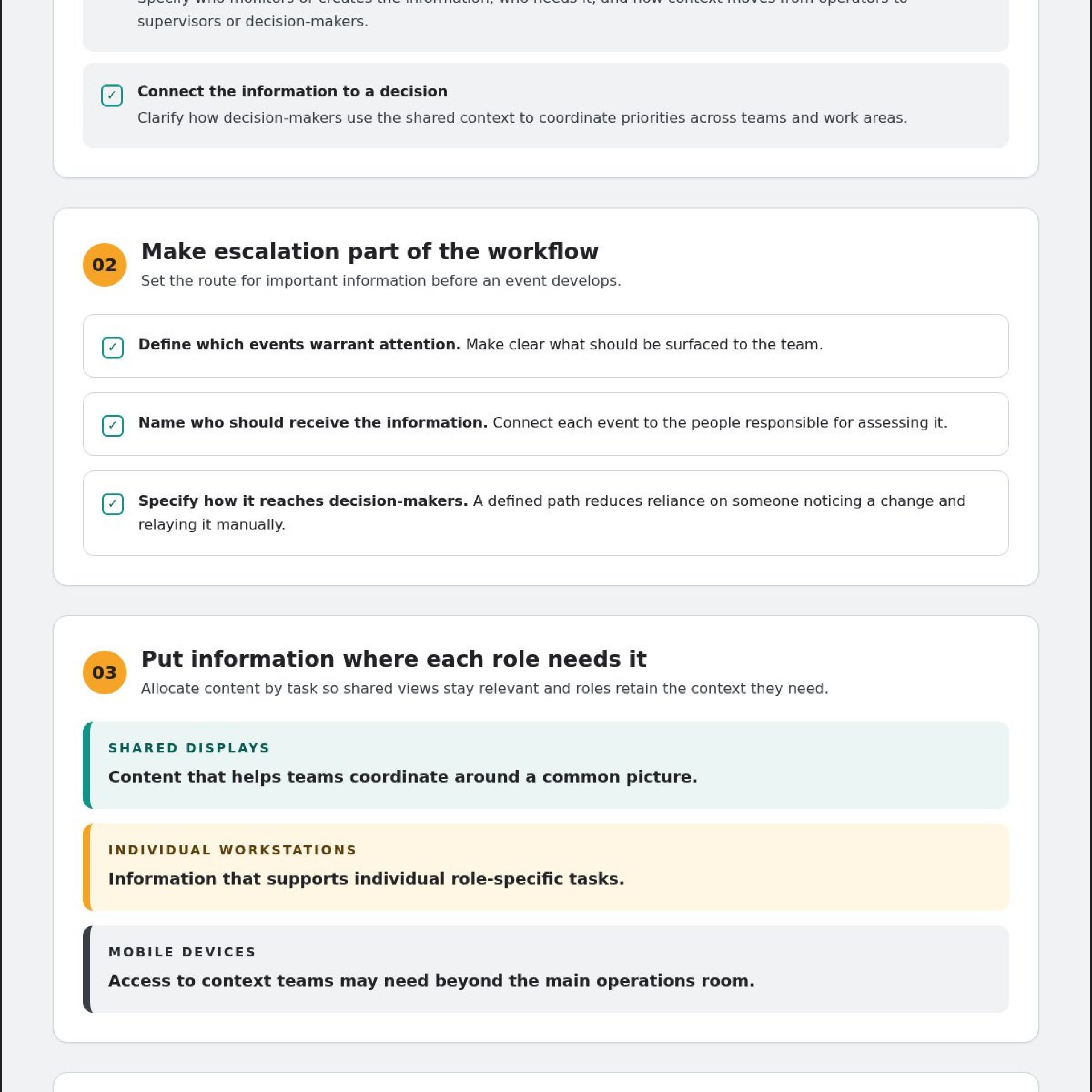
Treat escalation as a workflow requirement. Define which events warrant attention, who should receive that information, and how it reaches the right decision-makers. Without a clear path, teams depend on someone noticing a change and passing it along manually. Address this gap before selecting display hardware.
Most control rooms already have the screens. What they’re missing is the layer that decides what goes on them, and escalates automatically when something needs attention.
Once the operational gap is clear, consider the display surface. A video wall should be where the answer appears because vis/ability provides the operational intelligence layer that surfaces through the video wall. The design should serve the work by organizing relevant information around team needs and supporting shared understanding across the JOC.
JOC Design Connects Data, Workflows, and a Shared Operating Picture
Fragmented systems, siloed information, and missing automatic escalation can interrupt the path from an emerging event to a coordinated response. JOC design should map that path: where information originates, how teams recognize relevant developments, and who needs the context to make a decision. This gives the design team a practical view of how applications, event handling, operators, and decision-makers connect.
For example, an incident may involve information from a geographic information system (GIS), a video feed, a dashboard, or a supervisory control and data acquisition (SCADA) system. Event handling brings relevant developments to an operator’s attention. The operator can share context with supervisors or decision-makers, who coordinate priorities across teams and work areas. Map roles and handoffs at each stage so information reaches the people responsible for assessing it.
Most control rooms already have the screens. What they’re missing is the layer that decides what goes on them, and escalates automatically when something needs attention.
With vis/ability® organizing content and access, the video wall becomes the place where the operational answer appears. Relevant information can be arranged for the situation and the people coordinating it, with the wall serving as one surface in a larger workflow. Account for how teams use information rather than assuming every source belongs on a shared display.
Design the information flow before selecting display surfaces
Trace each information path from source to action. Identify who monitors or creates the information, who needs to see it, and how it moves between operators and decision-makers. Then determine which content belongs on shared displays, which supports individual workstation tasks, and what users may need on mobile devices. This allocation keeps shared views relevant while giving each role access to the context required for its work.
Plan for coordination beyond the main operations room. Teams may need to share information across command centers, remote locations, conference rooms, breakout rooms, huddle rooms, and mobile devices. Define access and content around each group’s role and task. A consistent operational view can support coordination across these spaces without assuming every participant needs the same information at the same time.
Connect applications and escalation to the shared picture
Source categories may include SCADA, GIS, video feeds, and dashboards. Event management brings relevant developments into operator view and connects information to the workflow that needs attention. vis/ability supports real-time maps, video feeds, dashboards, and event management, bringing operational content together for coordinated viewing.
For each event type, define what should draw attention, which roles should receive the information, and how the update becomes available to others coordinating the response. This connects escalation to the shared picture instead of leaving an important development within an individual application. Teams evaluating vis/ability for operational awareness can consider how content and access should reflect their JOC workflows.
Compare JOC Design Approaches by Operational Fit, Not Screen Count
Fragmented systems, siloed information, and missing automatic escalation can disrupt coordination before teams reach a shared decision. Evaluate design approaches by how well they support operational workflows, not by the number or size of displays. For joint operations center (JOC) design, assess whether teams can bring relevant sources together, surface developing events, and collaborate across roles and locations.
A video-wall controller pushes pixels to display surfaces. vis/ability® adds software video-controller functionality to manage what content appears, where it appears, and who can access it. The video wall becomes a place where teams see information arranged for the situation through vis/ability. Compare approaches by the work they support, not display capacity alone.
| Evaluation area | Display-first planning | Software-led approach |
|---|---|---|
| Operational workflow | Prioritizes what fits on shared displays. | Organizes content around operator tasks and decision needs. |
| Integration | May present sources separately, requiring teams to move between them. | Brings selected operational applications into a coordinated view. |
| Escalation | Can rely on operators noticing and relaying updates. | Can bring event information into operator view through event-management workflows. |
| Collaboration | Centers on people working in the room. | Can support participation across in-room, remote, and mobile contexts. |
| Scalability | May focus changes on adding or rearranging display capacity. | Can extend content and access as operational needs evolve. |
Evaluate integration and control of information
Start with the applications the JOC uses and assess how their information can be brought into a coordinated view. Match integration to operational requirements instead of assuming every platform connects to every system. vis/ability lets teams place content using drag-and-drop and manage its presentation with software video-controller functionality. This helps buyers assess control of information separately from the number of display surfaces.
Evaluate collaboration across the JOC and beyond
Assess whether the approach supports coordination among command centers, remote locations, conference rooms, breakout rooms, huddle rooms, and mobile devices. vis/ability supports remote collaboration, mobile video streaming, and Zoom meetings. Consider who needs access, where they work, and how they participate in a shared task. These criteria help determine whether a design supports collaboration beyond the main room.
For teams assessing software options, vis/ability’s operational awareness capabilities offer a way to consider how content and access can align with JOC workflows.
Plan JOC Design with a Practical Requirements-to-Readiness Workflow
Fragmented applications, siloed teams, and missing automatic escalation can leave operators without a clear path from new information to coordinated action. A practical joint operations center (JOC) design process starts with the decisions, roles, information sources, and escalation paths the operation depends on. Use the steps below to turn those needs into requirements, then validate the design against real work.
- Discover stakeholders and decision points. Identify the teams that will use the JOC, the decisions they make, and the handoffs between operators, supervisors, and decision-makers. Include remote staff and mobile users who participate in shared operations. Record who owns each workflow and who needs relevant updates.
- Map the current state. Document existing applications, data sources, networks, workstations, and displays. Note where information originates, how teams access it, and where delays or duplication occur. This assessment helps distinguish information-flow gaps from issues related to the room or its technology. It also prevents the assumption that existing equipment must be replaced.
- Define information and escalation requirements. For each workflow, specify which maps, video feeds, dashboards, and events matter. Identify how relevant developments should reach operators and which roles need to be alerted or informed. Make escalation paths explicit: who receives the information, what context they need, and how they share it with decision-makers.
- Plan integrations and access. Identify the operational applications that need to contribute to a shared picture, then map how their information will reach the appropriate work area or device. Plan access for the main operations space, conference rooms, breakout rooms, huddle rooms, remote locations, and mobile users. Align content and access with roles instead of showing every source to everyone.
- Validate with intended users. Walk through routine coordination and incident scenarios with operators, supervisors, and decision-makers. Follow information from its source through event handling, escalation, discussion, and action. Check whether relevant content reaches the right people and handoffs are clear. Define success criteria with the organization, based on operational requirements rather than assumed performance targets.
Document users, decisions, and information requirements
Keep requirements connected to specific workflows. For example, document which team monitors a map or feed, what event changes the decision, and who needs the resulting update. Include remote and mobile participation in the same planning process so those users can contribute to coordination rather than work outside the shared picture.
Validate the design against operational scenarios
Scenario walkthroughs expose missing sources, unclear ownership, and escalation gaps before the design is treated as ready. Test routine coordination as well as incident response, and include the work areas and devices people will use. Record findings, assign follow-up actions, and repeat the walkthrough when changes affect the workflow.
Activu’s control room design services align JOC technology and room design with operational workflows.
How Activu Supports a Software-Led Joint Operations Center Design
Fragmented systems, information silos, and missing automatic escalation can make it harder for teams to coordinate around a shared operational picture. Most control rooms already have the screens. What they’re missing is the layer that decides what goes on them, and escalates automatically when something needs attention.
Activu’s vis/ability® platform acts as the central hub into which operational tools and information flow. It organizes content and access so the video wall can surface relevant information for the teams coordinating a response. The vis/ability platform runs on common off-the-shelf hardware and does not require proprietary AV cabling.
What the vis/ability® platform brings into view
vis/ability supports real-time maps, video feeds, dashboards, event management, and mobile video streaming. It also supports Zoom meetings and remote collaboration. ServiceNow incident dashboard support brings incident information into the operational view, while Active Shooter Recognition via Omnilert is available as an integration capability.
These capabilities support coordination across command centers, remote locations, conference rooms, breakout rooms, huddle rooms, and mobile devices. Teams can align access and shared content with the work happening in each setting.
Design, implementation, support, and next steps
Activu’s 360° control-room design process and implementation services align technology and room design with operational workflows. Activcare provides remote monitoring and support, and vis/ability® Academy offers on-demand training. More than 1,300 control rooms rely on Activu technology.
Discuss your JOC design requirements with Activu to shape an approach around your teams and operational needs.
Set the Next JOC Design Decision in Motion
A JOC should stay aligned with the decisions teams face as operational needs evolve. Use your requirements as a working reference: revisit who needs information, how teams coordinate, and whether escalation paths still match real workflows. This keeps joint operations center (JOC) design grounded in operational readiness rather than assumptions about the room.
Activu has implemented over 1,000 control rooms and video walls worldwide, and vis/ability® is 100% developed and maintained in the USA. Bring your operational priorities into the next design discussion and define a shared picture that supports the people making decisions.
Discuss your JOC design requirements with Activu. Take the next step with a clear focus on the information, workflows, and collaboration your teams need.
Frequently Asked Questions
What is the difference between a JOC and an EOC?
A JOC coordinates joint operational stakeholders, while an EOC is organized around emergency operations. Their responsibilities can overlap depending on the organization and incident. For example, a multi-agency response may involve both joint operational coordination and emergency management functions. In either setting, joint operations center (JOC) design should reflect the teams involved, the decisions they must make, and the information each role needs. Those requirements guide the operating model and room configuration.
Does a JOC design require a video wall?
No. A JOC needs a practical way for its users to access relevant information, which may involve several types of displays and devices. A video wall can serve as a shared surface, while individual workstations support role-specific tasks and mobile devices help users stay connected away from the room. Choose surfaces based on how teams coordinate and what information they need, rather than treating one display type as a requirement.
Can a JOC design use existing displays and data sources?
Yes. vis/ability® can overlay existing displays, networks, and data sources, so a project can build on the environment already in place. For example, a team can bring selected operational feeds together without replacing every display or changing each source application. Assess how information currently moves between systems, then identify where integration or a more coordinated way to access content would support the JOC’s workflows.
How much does JOC design cost?
JOC design costs depend on the project’s scope and requirements, so a generic figure would not provide a reliable budget. The work may depend on the operational workflows to support, the information sources involved, the existing environment, and the design and implementation needs. Activu tailors its control-room design and implementation services to project requirements. Define those requirements first to establish a useful basis for planning.
How can a JOC support remote teams?
A JOC can include remote participants by giving them access to relevant information and a defined role in coordination. vis/ability® supports remote collaboration, mobile video streaming, and sharing content with mobile devices. For example, remote staff may need to view a developing situation or join a coordination meeting while the in-room team manages other tasks. Specify which content each remote role needs and how participants contribute updates or decisions.
How do you measure whether a JOC design is effective?
Measure effectiveness against operational objectives set by the organization. During a scenario walkthrough, check whether users can locate relevant information, follow the intended escalation path, and complete handoffs between roles. Record where content is missing, access is unclear, or coordination breaks down, then use those findings to refine the design. Avoid generic benchmarks unless they reflect the organization’s own requirements and can be assessed consistently.